Grammarly
Grammarly: The Writing Assistant That Keeps Your Credibility Intact
You just hit send on a pitch email to a dream client. Ten minutes later, you spot a subject-verb disagreement in your opening line. It sits there in your sent folder, mocking you. Every freelancer and content creator knows this feeling. And every one of us knows that proofreading your own work is the most unreliable quality check in existence.
Grammarly exists to solve this exact problem, and after more than fifteen years of development, it solves it better than any other tool on the market.
Why Your Eyes Are Not Enough
The human brain is terrible at catching its own mistakes. When you write a sentence, your brain knows what you meant to say, so it reads what it expects to see rather than what is actually on the screen. This is not a skill issue. Published authors, experienced journalists, and professional copywriters all make this mistake. It is how the brain works.
For freelancers and content creators who write every single day, this problem compounds. You are writing emails, blog posts, social media captions, proposals, reports, and Slack messages. The sheer volume means your attention is spread thin, and mistakes slip through. A typo in a tweet might be forgettable. A grammatical error in a client proposal can cost you a contract.
And if English is your second language, the stakes are even higher. You might write perfectly clear sentences that are technically correct but sound unnatural to a native speaker. The wrong preposition, an awkward word order, or a slightly off tone can make your writing feel amateur even when the ideas are brilliant.
What Grammarly Actually Does
Grammarly works as a writing layer that sits on top of wherever you type. Install the Chrome extension, the desktop app, or the Microsoft Word plugin, and it starts analyzing your text in real time as you write.
The baseline correction handles grammar, spelling, and punctuation. But Grammarly's real value starts above that baseline. The tool evaluates sentence clarity, flags unnecessarily complex phrasing, spots passive voice overuse, and suggests more direct alternatives. For anyone writing professionally, these style suggestions are often more valuable than the grammar fixes.
Tone Detection
One of Grammarly's most underappreciated features is tone detection. Before you send an email, Grammarly tells you how your message is likely to come across. Confident or uncertain? Friendly or distant? Direct or diplomatic? These are signals that native speakers pick up instinctively but that second-language writers often miss entirely.
Consider writing a follow-up email to a client who has gone quiet. You want to be firm but not aggressive, professional but not cold. Tone detection gives you a sanity check before you click send. In a world where written communication carries most of the weight of professional relationships, this feature alone justifies the subscription for many users.
AI-Powered Rewriting
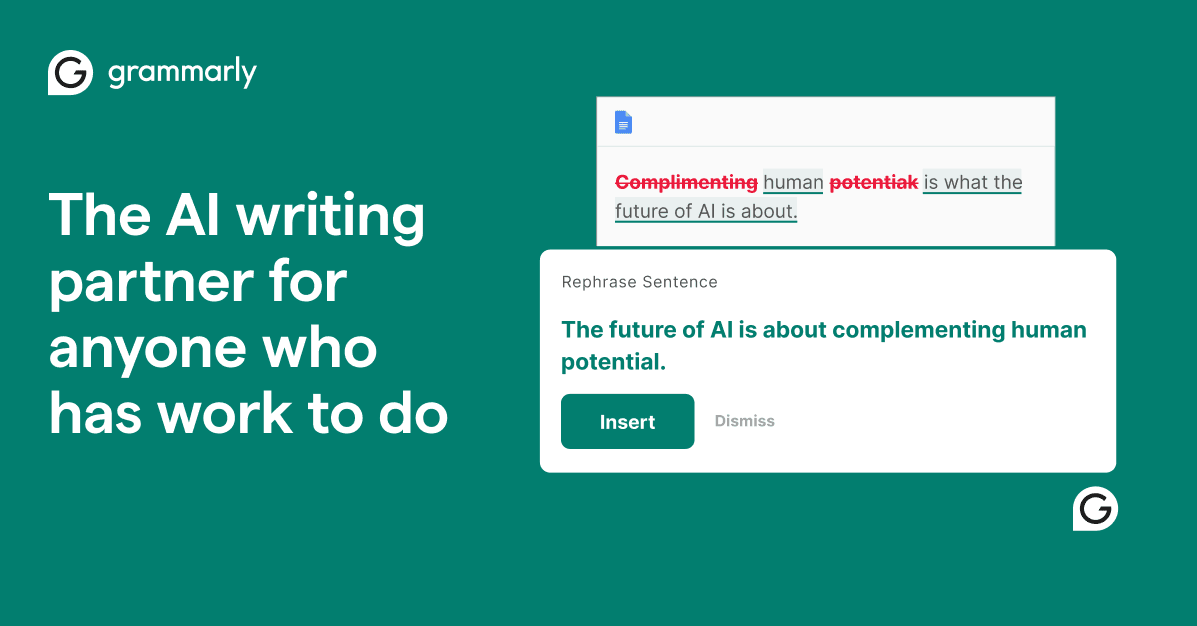
Grammarly's AI rewriting feature takes your existing text and offers improved versions based on the tone and intent you specify. This is fundamentally different from AI content generators like ChatGPT or Rytr. Grammarly does not write for you. It takes what you have already written and makes it better.
For content creators who publish daily, this is a massive time saver. Instead of spending fifteen minutes reworking a paragraph that does not flow well, you get three polished alternatives in seconds. You pick the one that fits, adjust a word or two, and move on.
Plagiarism Checker
The Premium plan includes a plagiarism checker that scans your text against billions of web pages. For freelance writers and content marketers, this is a useful safety net. Not because you are intentionally copying, but because common phrases and popular formulations can sometimes overlap with existing content in ways that hurt your SEO or raise questions with clients.
Free vs Premium vs Business
Grammarly's free tier is genuinely useful. It catches grammar mistakes, spelling errors, and basic punctuation issues across every website you visit through the Chrome extension. For someone who writes in English occasionally, it is often enough.
Premium, at roughly $12 per month on the annual plan, adds everything that makes Grammarly a professional tool. Clarity and conciseness suggestions, tone detection, full-sentence rewrites, the plagiarism checker, and advanced vocabulary recommendations. This is the version that turns Grammarly from a spell checker into a writing coach.
For freelancers who write daily for clients, the ROI calculation is simple. If Grammarly prevents even one embarrassing mistake per month in a client-facing document, the subscription pays for itself many times over.
Business adds team management, custom style guides, and writing analytics across an organization. It is designed for agencies and companies that want consistent written communication from every team member.
Integrations That Matter
Grammarly's biggest practical advantage is that it works everywhere you write. The Chrome extension activates on Gmail, Google Docs, LinkedIn, Twitter, WordPress, Notion, and virtually every text field on the web. The desktop app covers Microsoft Word and Outlook. The mobile keyboard works on iOS and Android.
For a content creator or community manager who switches between five platforms in a single morning, this is transformative. There is no need to copy text into a separate tool. Corrections happen in real time, right where you are working.
The Google Docs integration deserves special mention. Google's built-in grammar suggestions are basic and often miss nuanced issues. Grammarly's suggestions are significantly more detailed and actionable, especially around style, conciseness, and word choice. Both tools coexist without conflict, and you can disable Google's suggestions if you prefer Grammarly's alone.
Who Grammarly Is For
Grammarly is built for people who write regularly in English and care about how their writing comes across. Freelancers working with English-speaking clients. Content creators publishing blog posts, newsletters, and social media content. Community managers running international accounts. Students writing theses and research papers. Remote workers communicating primarily through text.
If you write in English every day and your reputation depends on the quality of that writing, Grammarly is a tool that pays for itself.
Who Grammarly Is Not For
If you need a tool that generates entire articles, social posts, or ad copy from a brief, Grammarly is not the right fit. Tools like Copy.ai or TextCortex are designed for content generation. If your primary need is SEO-optimized content research and writing, Frase is better suited to that workflow.
Grammarly corrects and improves text you have already written. It does not write for you.
Grammarly vs the Competition
ProWritingAid is the closest direct competitor. It offers deeper stylistic analysis and more detailed writing reports, which makes it popular with fiction authors and long-form writers. However, ProWritingAid's interface is heavier, its integrations are fewer, and the real-time experience is not as smooth as Grammarly's.
For content creators who want both correction and generation in one tool, TextCortex and Rytr combine both capabilities. But their correction features are not as refined as Grammarly's, and the generation side is where they truly compete.
Grammarly's positioning is clear. It is the best tool available for correcting and improving text you have written yourself, in English, in a professional context. If that is your need, nothing else comes close in 2026.
The Bottom Line
Grammarly turns English writing from a source of anxiety into a confident, efficient process. For freelancers and content creators who write daily, the free version is a solid starting point, and Premium becomes essential the moment English writing is a core part of your work. Install the Chrome extension, write your next email, and see the difference for yourself.